
Using pyprojectr: A look at setuptools-scmx
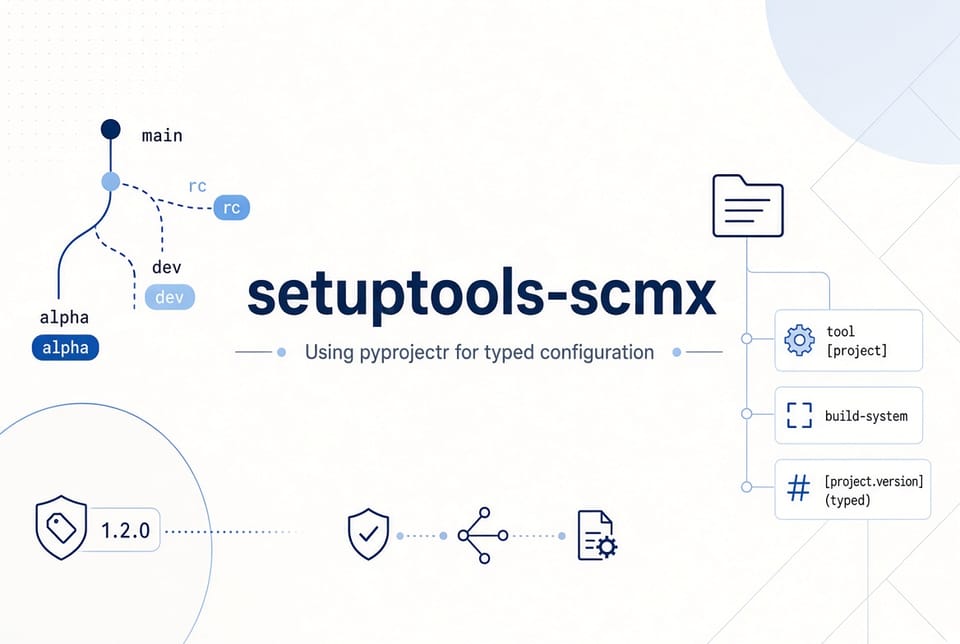
In the previous post I introduced pyprojectr, a small library for turning pyproject.toml into typed Python objects. This post shows a concrete example of how that model layer is useful in a real tool: setuptools-scmx.
Introduction to setuptools-scmx
setuptools-scm is excellent at deriving versions from Git tags and commit history. In continuous integration environments, however, teams often need more control:
- Different version schemes depending on the branch (
main→rc,develop→dev, feature branches →alpha, etc.) - Exact tag versions with no extra local suffixes
- Automatic detection of branch and build information from GitHub Actions, GitLab CI, or Jenkins
- The ability to override the version via an environment variable when needed
setuptools-scmx adds these capabilities as a thin, configuration-driven layer on top of setuptools-scm. All of the rules live in pyproject.toml.
Configuration
A typical setup looks like this:
[build-system]
requires = [
    "setuptools>=80",
    "setuptools-scm[toml]",
    "setuptools-scmx",
]
build-backend = "setuptools.build_meta"

[project]
name = "your-project-name"
dynamic = ["version"]

[tool.setuptools_scm]
version_scheme = "setuptools_scmx:version_scheme"
local_scheme = "no-local-version"

[tool.setuptools-scmx]
scheme = "branch-scheme"
env_scheme = "github"

[tool.setuptools-scmx.branch-scheme]
labels = [
  { name = "rc", branches = ["main", "master"] },
  { name = "dev", branches = ["develop"] },
  { name = "alpha", branches = ["feature/.*"] },
  { name = "post", branches = ["hotfix"] },
]
The interesting part is the [tool.setuptools-scmx] section. It is custom configuration that setuptools-scm itself does not understand. A tool that wants to act on this data needs a reliable way to read and interpret it.
pyprojectr
setuptools-scmx uses pyprojectr to load and model the relevant parts of pyproject.toml.
Conceptually the flow looks like this:
from pathlib import Path
from pyprojectr import pyproject

# Load the project configuration
pyproj = pyproject.from_file(Path("pyproject.toml"))

# Access the custom tool section through a typed model
scmx = pyproj.get_tools_options("setuptools-scmx", SetuptoolsScmx)

scheme = scmx.scheme
env_scheme = scmx.env_scheme
labels = scmx.branch_scheme.labels
Because the configuration is modeled, the rest of the code can rely on attributes and types rather than string keys and optional dictionaries. Adding new options or validating the shape of the configuration becomes much more straightforward.
This is exactly the use case pyprojectr was built for: tools that need to understand both the standard packaging tables and their own [tool.*] sections without reinventing parsing and key-mapping logic every time.
Closing
setuptools-scmx is a focused example of a packaging-related tool that benefits from a proper model of pyproject.toml. pyprojectr provides that model so the tool can concentrate on versioning behavior instead of configuration plumbing.
If you are writing your own tools that need to read custom sections from pyproject.toml, the same pattern applies. Define a small model, load the file once, and work with typed data from that point forward.
Links
- Github pyprojectr
- Github setuptools-scmx
Would you like this turned into a downloadable Markdown file as well, or any changes to the tone, length, or technical depth?
Member discussion